Screenshot API
Screenshot API for web pages
Capture full-page screenshots, viewport screenshots, and CSS-selector elements from any URL without running Chrome or Playwright infrastructure.
Checked-in output files
See each image mode and format
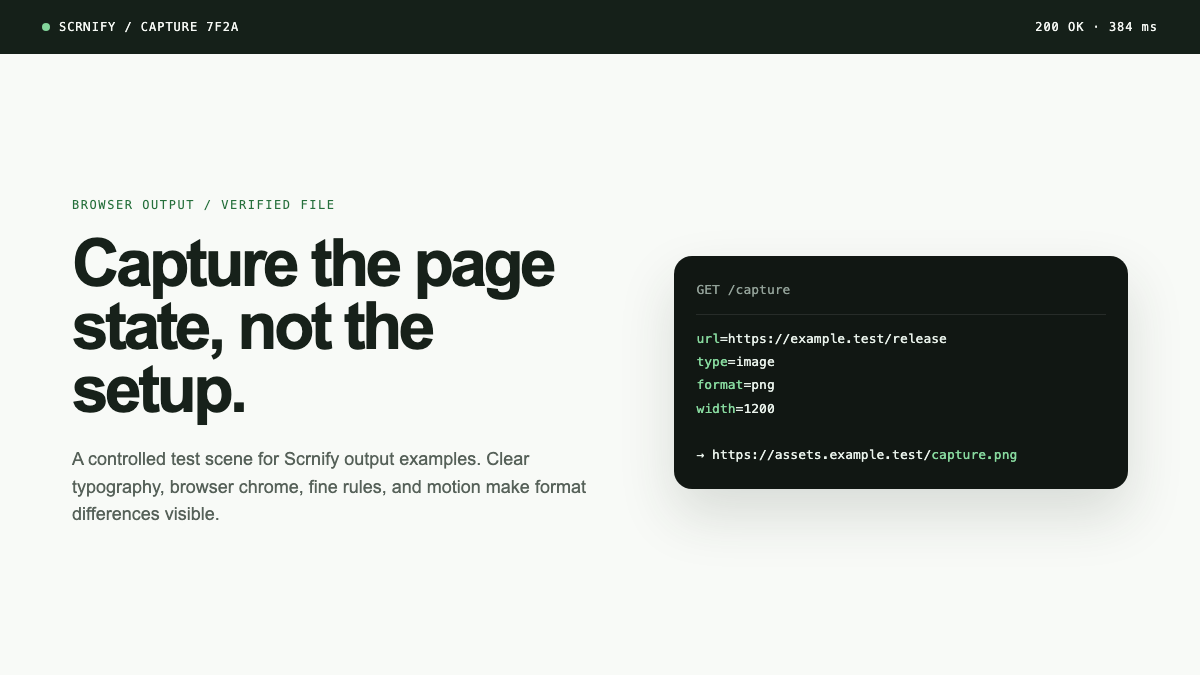
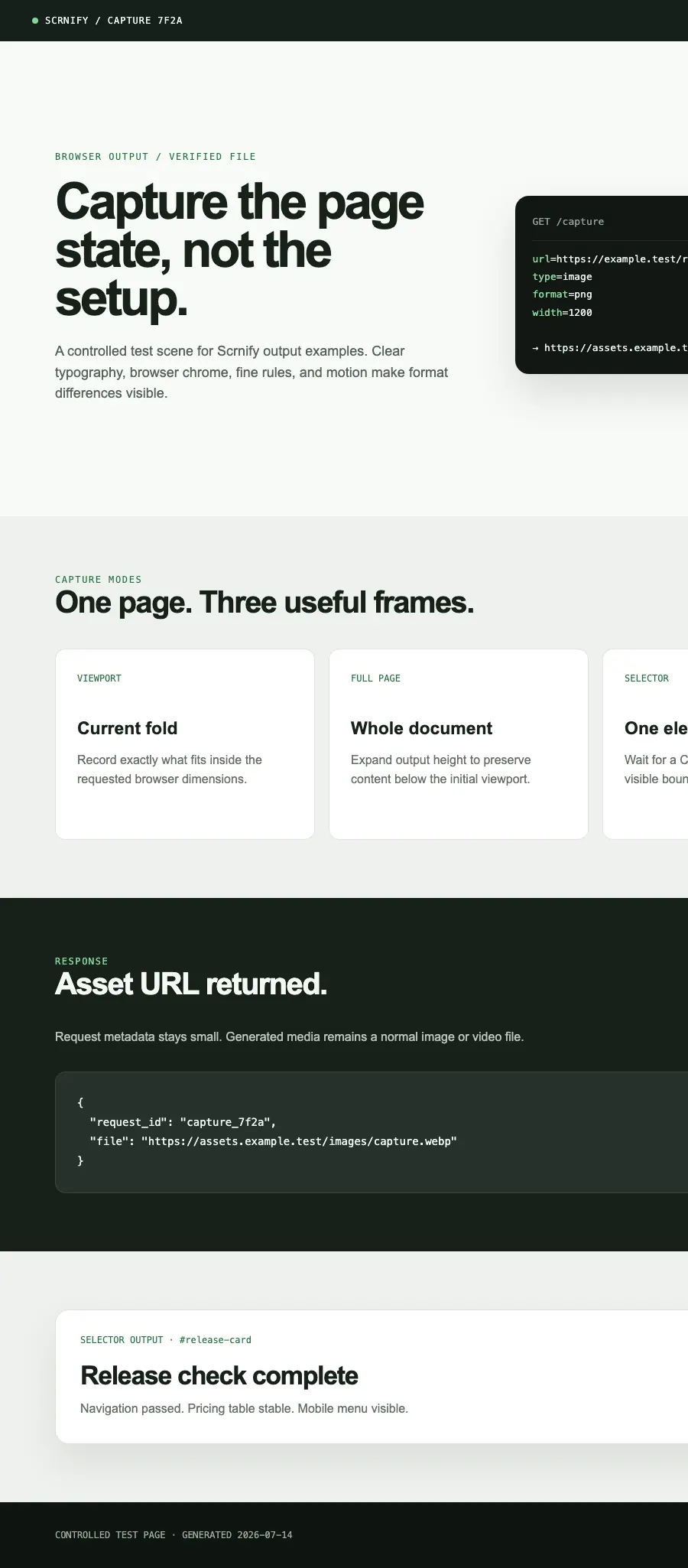
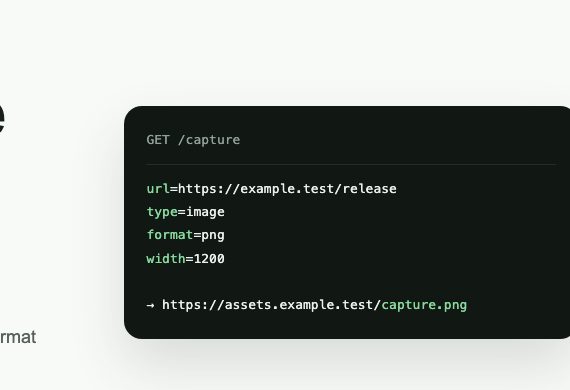
PNG, WebP, and JPEG files below come from one controlled browser test page. Each is stored in its labeled encoding—none are renamed placeholders.
Gallery media was generated locally for deterministic format proof, not returned by a live customer API request.
API usage
Request in, capture file out
Authenticate with your API key, pass a target URL, and receive a screenshot or video Capture from the same endpoint.
REQUEST
GET https://api.scrnify.com/capture ?key=YOUR_API_KEY &url=https%3A%2F%2Fexample.com &type=image &format=png &width=1920 &height=1080 &selector=mainRESPONSE
HTTP/1.1 307 Temporary RedirectLocation: CAPTURE_ASSET_URLFollow redirect for image bytesFor signed requests, caching, video duration, full-page mode, and selector captures, read the documentation or use the OpenAPI 3.1 specification.
Verified API behavior
Evaluate against the contract
Defaults and caps below match the request parser and capture response path in this repository.
- Defaults
- 1920 × 1080 viewport, WebP, quality 100, and firstMeaningfulPaint.
- Image modes
- Viewport by default; fullPage=true expands to the scrollable page; selector captures one visible element.
- Validated caps
- Quality values above 100 are capped at 100. cache_ttl is capped at 2,592,000 seconds (30 days).
- Formats
- PNG, JPEG, and WebP. Invalid or omitted image formats fall back to WebP.
Viewport PNG
GET /capture?key=YOUR_API_KEY&url=URL&type=image&format=png&width=1440&height=900Full-page WebP
GET /capture?key=YOUR_API_KEY&url=URL&type=image&format=webp&width=1440&fullPage=trueSelector JPEG
GET /capture?key=YOUR_API_KEY&url=URL&type=image&format=jpeg&selector=%23invoice&quality=90Response contract
Default output returns 307 Temporary Redirect with the public asset URL in Location. Set output=json for a new capture to receive {"request_id":"…","file":"https://…"}. Cache hits always redirect, including requests that ask for JSON.
Graduated usage pricing
A successful non-cached screenshot is one unit from the shared screenshot-and-video pool. After free usage, the first 2,000 billable units in a billing period cost €0.008 each; billable units 2,001+ cost €0.005 each. Failures and successful cache hits use no units.
Full pricing and examplesScreenshot API FAQ
Decision questions
Can I capture a page after it loads?
Yes. Choose a supported waitUntil lifecycle event. The default is firstMeaningfulPaint.
Does selector mode run page scripts for me?
No. It waits for a CSS selector to become visible, then captures that element. It does not click, type, or perform login steps.
Can responses be cached?
Yes. Set cache_ttl in seconds, up to 30 days. Signed API keys require cache_ttl. Cache hits are free.
When should I keep Playwright or Puppeteer?
Keep browser automation for authenticated flows, scripted interaction, assertions, private networks, or deep browser control.